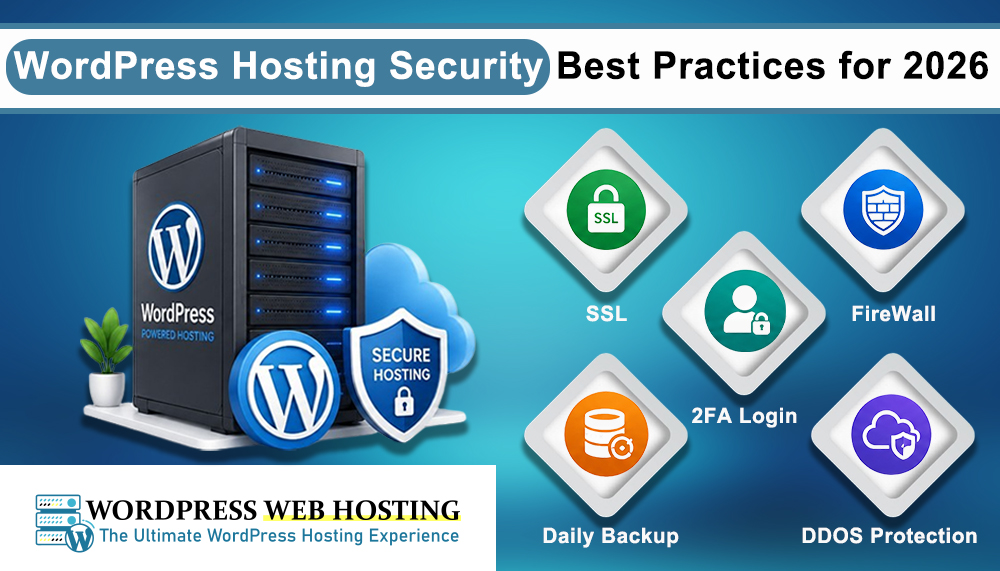
WordPress Hosting Security Best Practices for 2026
WordPress is one of the most popular website platforms in the world. Millions of businesses, blogs, and online stores use WordPress every day. Because of this popularity, hackers also target WordPress websites very often. In 2026, website security is more important than ever.
A secure WordPress website protects your business, customer data, SEO rankings, and brand reputation. Even a small security problem can cause downtime, data loss, malware infections, or search engine penalties.
Using secure and reliable WordPress hosting is one of the best ways to improve website security. If you are looking for reliable WordPress hosting with strong performance and security, check out WordPress Web Hosting Sri Lanka.
Why WordPress Security Matters in 2026
Cyber threats are becoming more advanced every year. Many WordPress attacks happen because websites use outdated plugins, weak passwords, or poor hosting environments. Recent reports also show that plugin vulnerabilities continue to affect thousands of WordPress websites.
A hacked website can lead to:
- Website downtime
- Stolen customer information
- SEO ranking loss
- Malware warnings in browsers
- Spam content injection
- Financial loss
- Loss of customer trust
This is why website owners must follow proper WordPress security practices.
Choose Secure WordPress Hosting
Your hosting provider is the first layer of protection for your website. A good WordPress hosting provider should offer:
- Server level firewall protection
- Malware scanning
- Daily backups
- SSL certificates
- DDoS protection
- Regular server updates
- Strong server monitoring
Using optimized WordPress hosting can help reduce security risks and improve website speed at the same time. Businesses in Sri Lanka can use WordPress Web Hosting Sri Lanka for reliable WordPress hosting services with strong hosting performance and security support.
Keep WordPress Updated
One of the biggest reasons WordPress websites get hacked is outdated software. WordPress core updates often include security fixes and vulnerability patches.
You should regularly update:
- WordPress core
- Themes
- Plugins
- PHP version
Unused themes and plugins should also be removed because they can become security risks.
Use Strong Passwords
Weak passwords are still one of the easiest ways hackers gain access to websites. Use strong passwords for:
- WordPress admin accounts
- Hosting accounts
- FTP accounts
- Databases
- Email accounts
A good password should:
- Be at least 16 characters long
- Include uppercase and lowercase letters
- Include numbers and symbols
- Be unique for every account
Password managers can help store passwords safely.
Enable Two Factor Authentication
Two factor authentication adds another security layer to your WordPress login page. Even if someone gets your password, they still need a second verification code to log in. This helps stop brute force login attacks and unauthorized access. Many WordPress security plugins now support easy 2FA setup.
Limit Login Attempts
Hackers often use bots to guess WordPress passwords through repeated login attempts. Limiting login attempts helps stop these attacks.
You can:
- Block repeated failed logins
- Change the default login URL
- Use CAPTCHA protection
- Enable bot protection
These small changes can greatly improve login security.
Install Trusted Security Plugins
A good WordPress security plugin can help protect your website from malware, suspicious activity, and attacks.
Security plugins can provide:
- Malware scanning
- Firewall protection
- Login monitoring
- File change detection
- Security alerts
- Brute force protection
Only use trusted and regularly updated plugins. Avoid downloading nulled or pirated plugins because they often contain hidden malware.
Use SSL Certificates
SSL certificates encrypt data between the website and visitors. This protects login details, payment information, and customer data. SSL also helps improve trust and SEO rankings. Modern websites should always use HTTPS connections. Most quality WordPress hosting providers include free SSL certificates with hosting plans.
Take Regular Backups
Website backups are extremely important. If your website gets hacked or damaged, backups allow you to restore everything quickly.
Good backup practices include:
- Daily automatic backups
- Offsite backup storage
- Manual backup downloads
- Database backups
- Testing backup restoration
Backups are one of the easiest ways to reduce website downtime during emergencies.
Use Trusted Themes and Plugins
Many security problems come from poorly developed plugins and themes. Before installing anything, check:
- User reviews
- Update history
- Developer reputation
- Compatibility with latest WordPress version
Using fewer high quality plugins is usually safer than installing many unnecessary plugins.
Disable Unused Features
Unused features can create unnecessary security risks. You should disable or remove:
- Unused plugins
- Unused themes
- File editing in WordPress dashboard
- Unused user accounts
- Old admin accounts
Keeping your website clean and organized helps reduce vulnerabilities.
Protect wp-admin Access
The WordPress admin area is a common target for attackers. Extra protection for wp-admin is recommended.
You can improve security by:
- Restricting IP access
- Using Cloudflare protection
- Adding CAPTCHA
- Enabling 2FA
- Changing default usernames
Many website owners also avoid using “admin” as the main username.
Monitor Website Activity
Website monitoring helps detect suspicious activity early.
You should monitor:
- Failed login attempts
- File changes
- Malware scans
- Server uptime
- User activity logs
Early detection can prevent major damage.
Use a Web Application Firewall (WAF)
A WAF helps block harmful traffic before it reaches your website. It can stop:
- SQL injection attacks
- Brute force attacks
- Bot traffic
- Malware requests
- DDoS attacks
Many managed WordPress hosting providers include firewall protection.
Keep Server Software Updated
Security is not only about WordPress itself. The hosting server also needs updates.
This includes:
- PHP updates
- Database updates
- Operating system patches
- Web server software updates
Managed WordPress hosting providers usually handle these updates automatically.
Conclusion
WordPress security should never be ignored. In 2026, cyber threats are increasing, and website owners must take proper security measures seriously. Simple practices like keeping WordPress updated, using strong passwords, enabling two factor authentication, and choosing secure hosting can greatly reduce security risks.
Reliable hosting also plays a major role in website protection. If you need secure and optimized WordPress hosting for your website, visit WordPress Web Hosting Sri Lanka and choose a hosting solution designed for performance, reliability, and security.