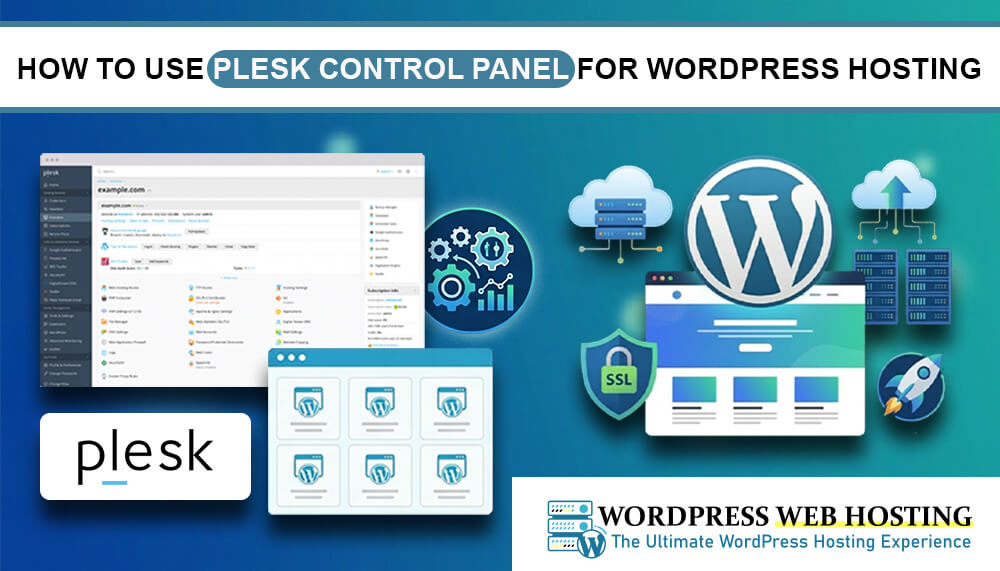
How to Use Plesk Control Panel for WordPress Hosting
If you are running a WordPress website, using a good control panel can make your life much easier. One of the most popular and user-friendly options is the Plesk control panel. Plesk helps you manage your WordPress hosting , websites, domains, emails, backups, and security from one simple dashboard. In this guide, you will learn how to use Plesk for WordPress hosting in an easy way.
What Is Plesk Control Panel?
Plesk is a web hosting control panel that allows you to manage your hosting server without technical difficulty.
With Plesk, you can:
- Install WordPress in one click
- Manage domains and websites
- Create email accounts
- Handle backups and security
- Monitor server performance
It is widely used for WordPress hosting because it is simple, clean, and powerful.
How to Install WordPress Using Plesk
One of the biggest advantages of Plesk is the one-click WordPress installation feature.
Steps to Install WordPress:
- Log in to your Plesk dashboard
- Go to Websites & Domains
- Click on WordPress Toolkit
- Select Install WordPress
- Enter your website details (site name, admin username, password)
- Click install
Within a few minutes, your WordPress website will be ready to use.
Managing Your WordPress Website
After installation, Plesk gives you full control over your WordPress site.
You can:
- Log in to WordPress admin directly from Plesk
- Update plugins and themes easily
- Clone or stage your website
- Secure your WordPress installation
This makes website management much faster and safer.
Domain and Website Management
Plesk allows you to manage multiple websites and domains easily.
You can:
- Add new domains
- Set up subdomains
- Manage DNS settings
- Redirect domains
This is useful if you are running multiple WordPress websites on the same hosting account.
Email Hosting with Plesk
You can also create professional email accounts using your domain name.
For example: [email protected]
With Plesk, you can:
- Create and manage email accounts
- Set spam filters
- Access webmail easily
- Configure email forwarding
This helps you build a professional business identity.
Security Features in Plesk
Security is very important for WordPress websites. Plesk includes built-in tools to protect your site.
You can:
- Install SSL certificates
- Enable automatic updates
- Use security extensions
- Scan for malware
- Manage firewall settings
These features help keep your WordPress website safe from attacks.
Backup and Restore Options
Plesk makes backups simple and reliable.
You can:
- Create full website backups
- Schedule automatic backups
- Restore your website with one click
This is very useful if something goes wrong or if you need to recover your data.
Why Use Plesk for WordPress Hosting?
Plesk is a great choice for beginners and professionals because it is:
- Easy to use
- Secure and reliable
- Perfect for WordPress websites
- Time-saving with automation tools
That is why many hosting providers recommend Plesk for WordPress hosting.
Get Reliable WordPress Hosting
If you are looking for a stable and managed WordPress hosting solution, you can explore WordPress Web Hosting Sri Lanka It provides optimized hosting environments that work perfectly with Plesk and WordPress, helping you build fast and secure websites.