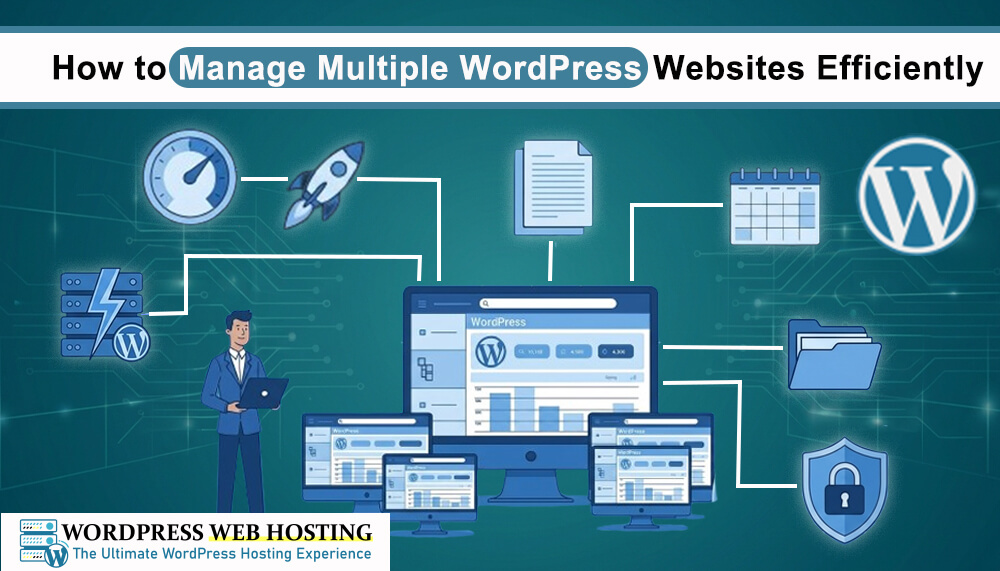
How to Manage Multiple WordPress Websites Efficiently
Managing more than one WordPress website can become difficult if you do not have a proper system. You need to handle updates, security, backups, and performance for each website. Without good management, things can become slow and confusing.
In this guide, you will learn simple and effective ways to manage multiple WordPress websites easily.
If you are using WordPress hosting, you can also explore helpful tools at WordPress Web Hosting
1. Use a Reliable WordPress Hosting Provider
The first step is choosing good hosting. A strong hosting platform helps you manage multiple websites without stress. With WordPress Web Hosting, you can host and manage multiple WordPress sites in one place with better speed and stability.
A good hosting provider gives you:
- Easy website management tools
- Better speed and performance
- Strong security features
- Simple dashboard access
2. Use One Dashboard for All Websites
Instead of logging into each website separately, use a single dashboard tool. Many hosting solutions like WordPress Web Hosting allow you to manage multiple WordPress sites from one control panel.
This helps you:
- Save time
- Avoid confusion
- Manage updates faster
3. Keep WordPress Updated
Updates are very important for security and performance. You should always update:
- WordPress core
- Themes
- Plugins
If you use managed hosting from WordPress web Hosting, updates become much easier and safer.
4. Use Backup Systems
Backups protect your websites if something goes wrong.
Always make sure:
- Daily or weekly backups are active
- Backups are stored safely
- You can restore websites quickly
Good hosting providers like WordPress Web Hosting usually offer automatic backup systems.
5. Improve Website Security
When you manage multiple websites, security becomes very important.
Follow these steps:
- Use strong passwords
- Install security plugins
- Enable firewall protection
- Monitor website activity
Secure hosting from WordPress Web Hosting helps protect all your websites in one system.
6. Optimize Website Performance
Slow websites can affect user experience and SEO.
To improve performance:
- Use caching plugins
- Optimize images
- Remove unused plugins
Choose fast hosting like WordPress Web Hosting
7. Use a Content Management Plan
When you manage multiple websites, planning is very important.
You should:
- Schedule content updates
- Track website changes
- Plan blog posts in advance
This makes your work more organized and less stressful.
Final Thoughts
Managing multiple WordPress websites is easy when you use the right tools and hosting solution. A good hosting provider like WordPress Web Hosting helps you manage everything in one place. If you want to simplify your workflow, improve security, and save time, visit WordPress Web Hosting and explore better WordPress hosting solutions